Read the obstacle layout before jumping
Check where the coins, spikes, portals, crushers, and safe landing spots are before you commit to the first jump.
 Horse Magnifier
 ABOUT JUMPER'S QUEST
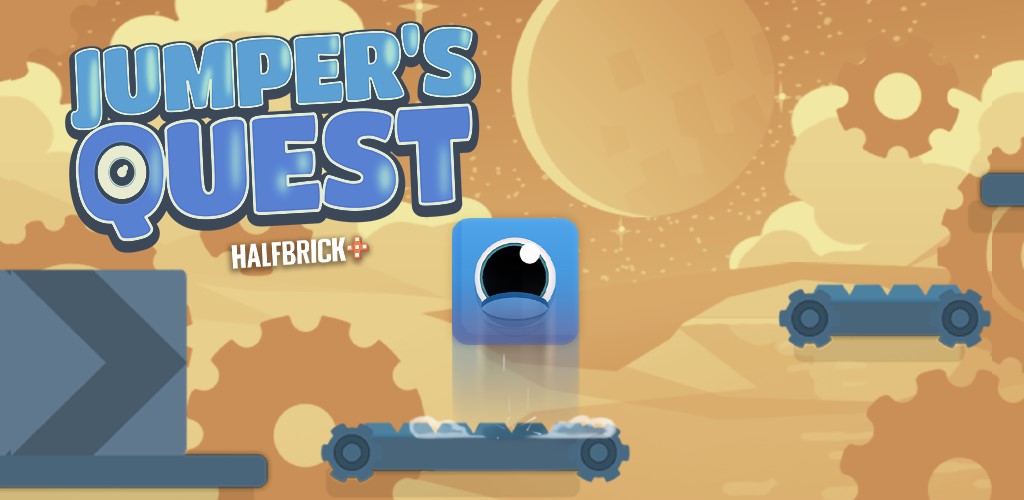
Jumper's Quest turns a simple one-jump control scheme into a sequence of clever platforming problems. You guide a blue cube upward through compact levels packed with coins, spikes, moving hazards, portals, and disappearing routes. It feels approachable in the opening stages, but the game quickly starts asking for better timing, smarter route reading, and cleaner mid-air control if you want consistent clears.
QUICK FACTS
HOW TO PLAY
The control scheme stays simple, but the challenge comes from reading how the stage changes after each move.
Check where the coins, spikes, portals, crushers, and safe landing spots are before you commit to the first jump.
Tap or click to launch the cube, then focus on clean landings instead of rushing upward immediately.
Many levels ask you to grab every coin on the way through, so efficient routes matter as much as raw reflexes.
Later levels add moving parts and trickier logic, so you need to learn when to wait, when to commit, and when a portal or toggle will change the whole path.
CONTROLS
Jump with the cube and start moving through the level.
Adjust your jump direction when the current build supports directional movement.
Restart quickly after a fall so you can learn the obstacle pattern and improve your route.
WHY IT STANDS OUT
WINNING TIPS
Yes. Jumper's Quest runs as a free browser game on this page, so you can start without downloading extra software.
It is a puzzle platformer built around timing, obstacle reading, and short levels where you guide a cube through hazard-heavy stages.
The usual objective is to stay alive, collect the coins placed through the course, and reach the goal area at the top or end of the stage.
Public gameplay guides repeatedly mention spikes, crushers, portals, moving platforms, and toggle-based layouts that change the route after each move.
It asks for both. Early levels are easy to read, but later ones reward players who can think ahead and still execute clean jumps under pressure.
Yes. Public listings describe browser support for mobile and tablet as well as desktop, though precise landings are often easier on a larger screen.
Most late-stage mistakes come from rushing. Slowing down, reading the obstacle order, and understanding how a portal or toggle changes the stage usually helps more than jumping faster.
Yes. Use the fullscreen control below the player if you want a larger view of the platforms, coins, and hazards.